Key takeaway
A convincing product video makes the experience visible. Start with a real question, demonstrate the answer, and be clear about the commercial relationship.
A product held up to a camera is not yet a useful demonstration. The viewer still wants to know how it works, what changes when they use it, and whether it suits their situation. Good creator-style content answers those questions in a way that is easy to follow.
In marketing briefs, ‘UGC’ is often used to describe paid creator-made content as well as material customers post independently. Clarify which one you are commissioning. A paid production should not be presented as an unsolicited customer review.
01Choose the question before the format
Start with the uncertainty that stops someone from trying the product. Does it fit in a small space? Is setup difficult? Can the app complete a particular task? Pick one question that you can answer visibly rather than trying to compress the whole sales page into a short script.
Then choose the format. An unboxing helps explain what arrives. A walkthrough shows a process. A comparison can explain a meaningful trade-off if the comparison is fair and supported. A first impression should stay a first impression; do not imply months of experience with a product opened that morning.
02Write a brief that leaves room for a person
A useful brief states the audience, the question, the key facts, the required demonstration, and the next action. Include any restrictions that affect the story, such as product availability, a paid plan, or a feature that works only on certain devices.
Give the creator room to explain the product in language they would naturally use. Supply factual boundaries instead of forcing an enthusiastic script. If every person reads the same sales paragraph, the content becomes interchangeable even when the filming looks informal.
A practical brief
The audience is people working at a kitchen table, and the question is whether this stand can raise a laptop without taking over the space. Show the setup, the desk footprint, and the folded size. State supported laptop sizes accurately. End with a clear product-page invitation.
03Use a simple problem, demonstration, decision structure
Open with the situation. Show the product doing the job. Finish by explaining who the experience might suit and what to do next. This structure gives the video direction without turning every line into a marketing claim.
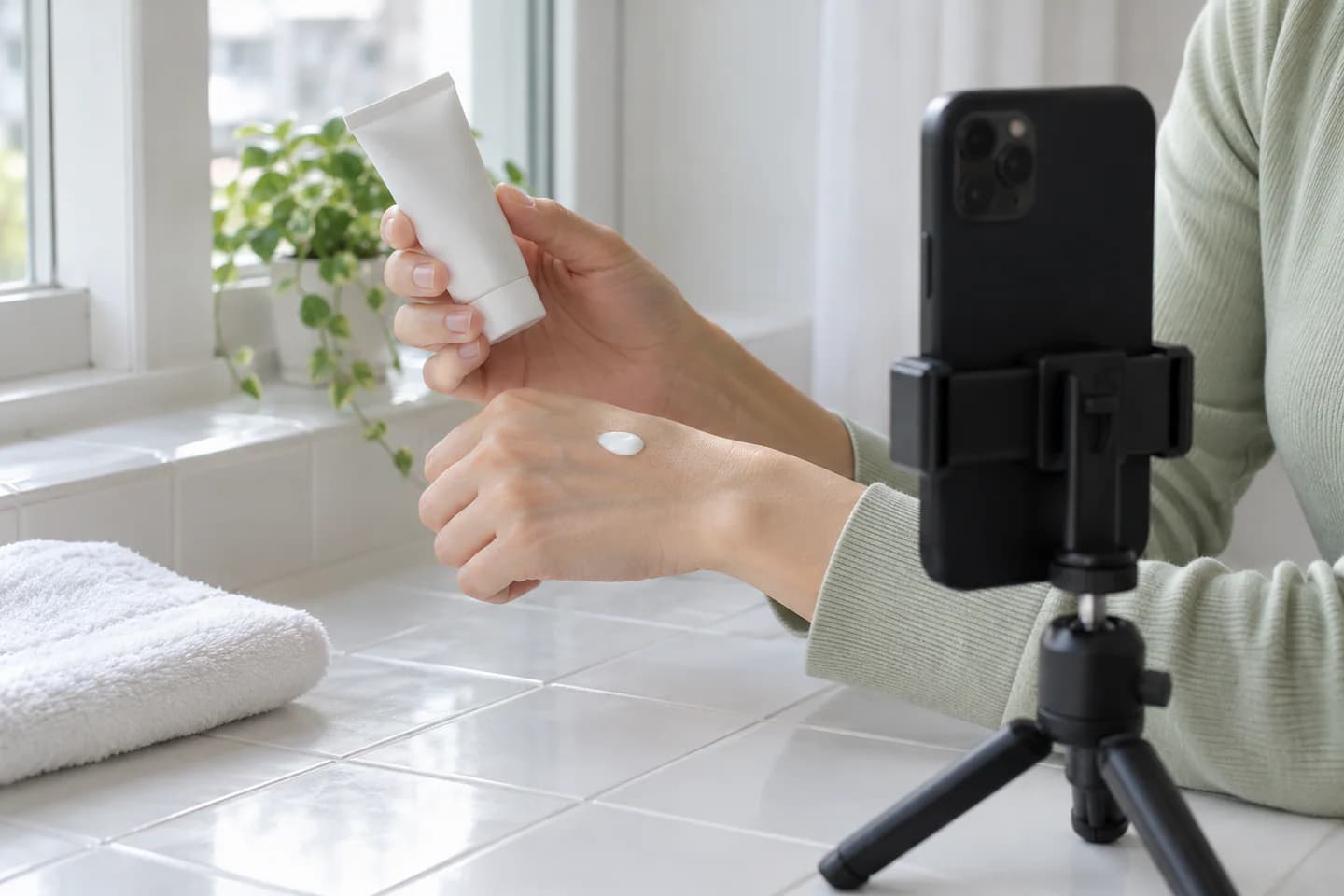
Be precise about the result. ‘The stand folds into this drawer’ is visible and useful. ‘This will transform your productivity’ makes a much broader promise. Favor details the camera can show and statements the creator can honestly support.
- Open with a recognizable situation.
- Demonstrate the important action clearly.
- Add context by explaining a limitation or relevant condition.
- Close with one suitable next step.
04Make the important details easy to see and hear
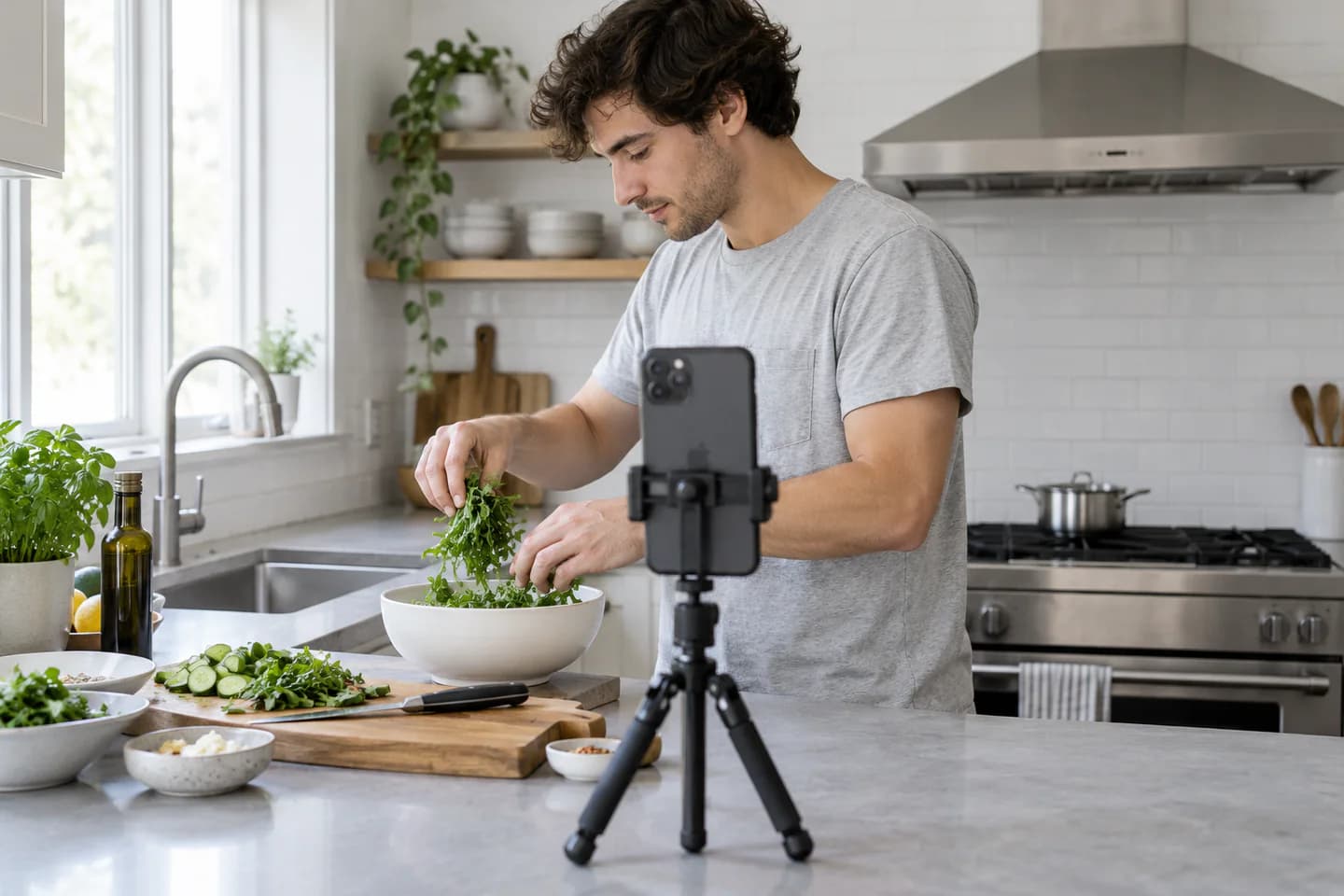
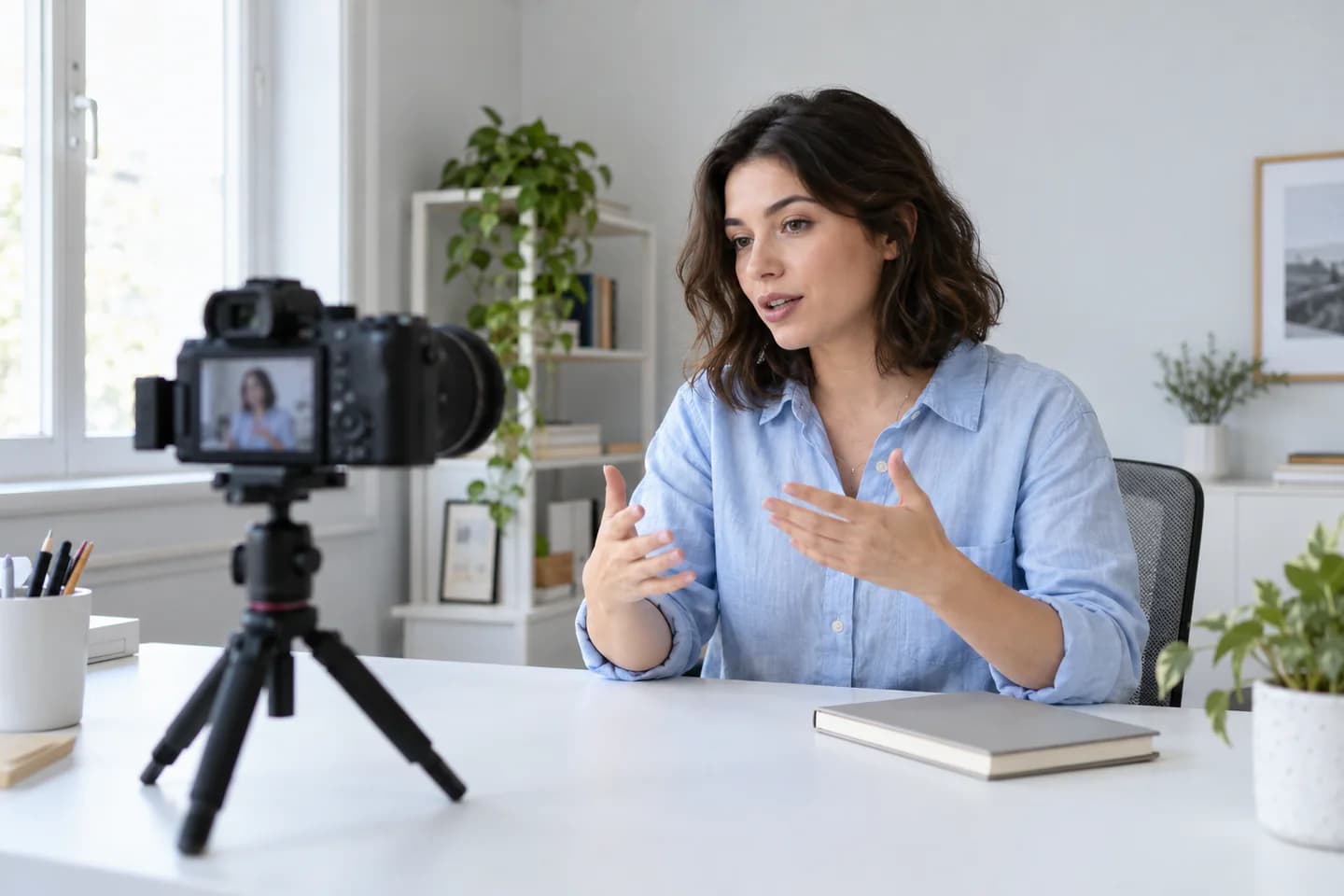
You can film a useful product video with modest equipment. Stable framing, clear audio, and consistent light matter more than a long equipment list. Clean the product and lens, check the background, and record a short test before filming the whole piece.
Capture the steps people need to understand. For a physical product, show scale and the action of using it. For software, use a current screen recording with private information removed. Keep text readable on a phone and leave space for platform interface elements around the edges.
05Edit for comprehension
Cut delays and repeated explanations, but keep enough of the process to make the result believable. A demonstration that skips the difficult step may look quick while leaving viewers with the very question they wanted answered.
Check captions manually, particularly product names, prices, and technical terms. Review the video without sound and then listen without looking at the screen. Both checks reveal gaps. Deliver a clean version without embedded platform graphics when the agreed usage requires it, along with the final captioned export.
06Agree the permissions before filming
Separate content creation, creator-channel publishing, and advertising usage in the agreement. Confirm the channels, time period, territories, editing permissions, and any access needed for a platform's advertising features. A production fee should not silently become unlimited permission to use someone's image and voice.
Check third-party material too, including music, stock clips, artwork, and other people in the shot. Plan an appropriate disclosure when the content is an endorsement. The FTC's guidance emphasizes clear disclosure with the endorsement and truthful statements about product experience; local rules may also apply.
SourceGuidance for social media influencers (FTC) (opens in a new tab) ↗
07Test the idea with useful variations
Prepare variations that answer a real question about the message. One opening might emphasize a cramped workspace; another might show the folded product immediately. Keep enough of the remaining video consistent to make the comparison meaningful.
Review the result against the intended action and the viewer feedback. Comments asking about a missing detail are a prompt for the next version. Build a library organized by audience, problem, demonstration, and usage rights so strong content can be found and reused within its agreed terms.
Common questions
Do UGC creators need a large following?
For content-production assignments, the brand may be buying the asset rather than access to the creator's audience. Demonstration skills, clarity, production reliability, and suitability for the product can matter more than follower count. Publishing briefs have different needs.
How long should a UGC video be?
Long enough to make the useful point clearly, within the requirements of the intended placement. Plan for the platform and objective instead of assuming one duration is best for every product. Remove repetition before removing necessary explanation.
Can a brand run the video as an ad?
Only when the relevant rights and platform permissions have been agreed. Confirm paid usage, editing, duration, territory, music rights, and any creator-account advertising authorization before the campaign starts.
Working with GME? Read the creator FAQ for payments, cancelling and statistics.