Key takeaway
App store optimization has two jobs. It helps relevant users discover the listing, and it makes the value clear enough for them to choose the app.
A store listing is often the last thing someone sees before deciding whether to install an app. They may arrive from a search, a friend's recommendation, or a creator video. In every case, the page has to answer a simple question quickly. Will this help me do what I came here to do?
App store optimization, or ASO, brings that decision into focus. It combines relevant positioning, understandable text, convincing visuals, and a disciplined approach to testing. It is an ongoing product-marketing job, not a one-time exercise in adding keywords.
01Start with the language users actually use
Collect the words people use in support messages, reviews, interviews, and search suggestions. Pay attention to the task and the circumstances around it. ‘Track expenses with my partner’ expresses a more specific need than a broad phrase such as ‘finance solution.’
Group these phrases by intent. Some people are exploring a category; others want a particular feature or an alternative to something they already use. Prioritize terms that accurately describe your app and the people it serves. Do not add a popular phrase if the product cannot satisfy the expectation it creates.
02Make the product's purpose unmistakable
The app name, supporting text, icon, and first screenshots should work together. Use the metadata fields available on each store according to that platform's rules. Apple and Google Play have different fields and testing capabilities, so avoid copying one listing into the other without checking how it will appear.
Write for a person scanning the page on a phone. Explain the main outcome before introducing secondary features. If a subscription or account is necessary for the advertised experience, make that understandable. Clarity may filter out some installs, but it helps attract users whose expectations the product can meet.
03Turn screenshots into an explanation
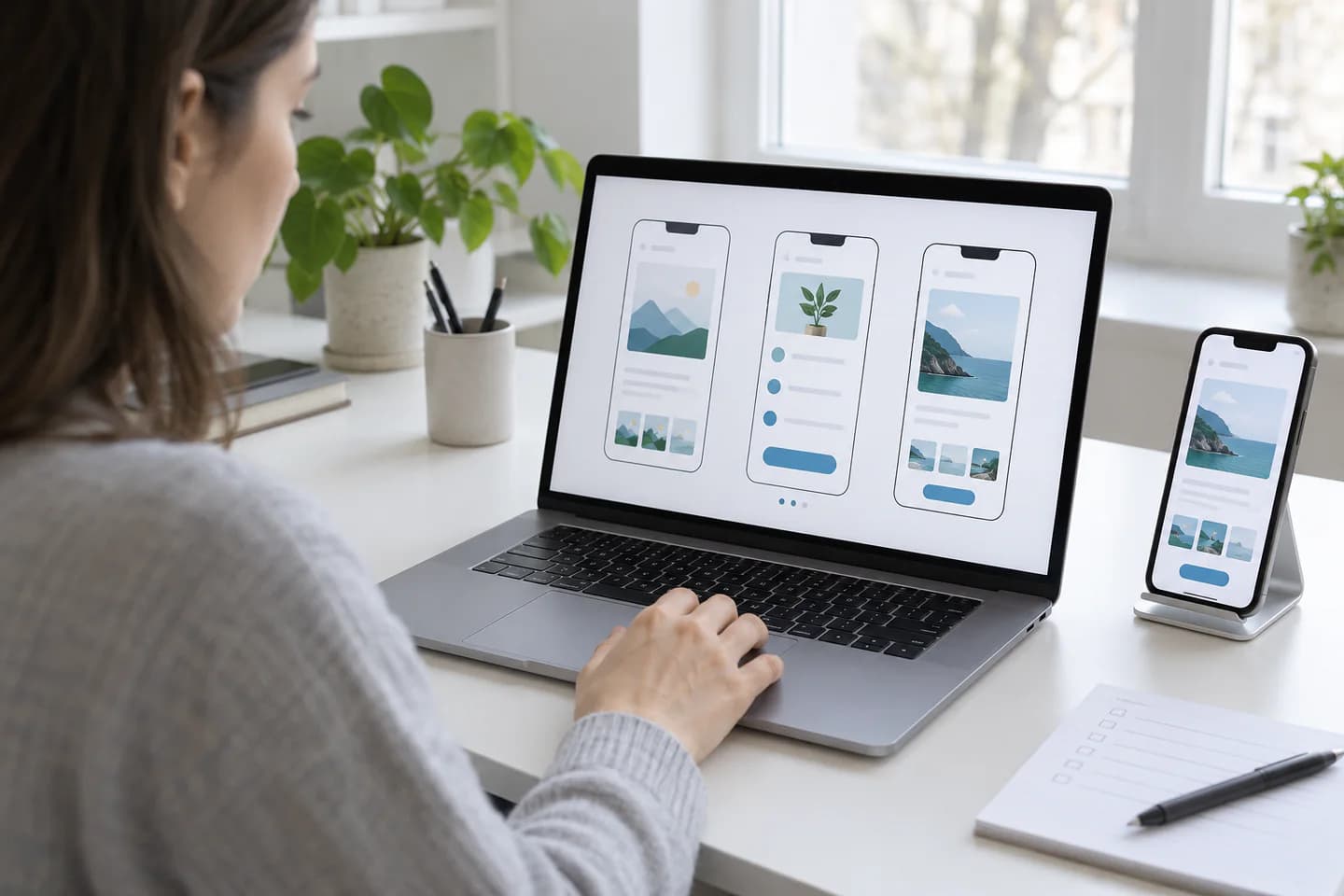
A row of screens is not automatically a story. Decide what each screenshot needs to establish, such as the main job, an important benefit, a distinctive feature, or an answer to a likely objection. Show the real interface and keep supporting text concise enough to read at the size people will see it.
The first image deserves particular care because it sets the expectation for the rest of the listing. A useful opening for a meal-planning app might show the weekly plan and explain the outcome. A later image can show how that plan becomes a grocery list. This sequence follows a user's task instead of the order of items in a feature backlog.
- Use the current product interface.
- Give each screenshot one main point.
- Check readability in the store's actual presentation.
- Keep claims consistent with the version users will install.
04Localize the decision, not just the words
Translation is only part of localization. Consider currency, date formats, relevant examples, support availability, and the situations in which the app is used. A screenshot that feels natural in one market may leave another audience wondering whether the product is intended for them.
Prioritize markets you can serve well. If the listing promises a local-language experience but onboarding switches to a different language, the campaign has created a problem the product cannot resolve. Review the listing and the first session together with someone who understands the target market.
05Give each experiment a clear hypothesis
Apple's product page optimization supports testing elements such as icons, screenshots, and previews. Google Play store listing experiments support graphics and, in applicable experiments, localized text. Use each platform's current documentation to plan the assets and interpret the results.
Change one meaningful idea at a time when you want to understand the cause of a result. For example, test an outcome-led first screenshot against an interface-led version while keeping the rest of the story stable. Write down what you expect and why before launching. Otherwise, it is easy to invent a flattering explanation after seeing the numbers.
SourceProduct page optimization (Apple) (opens in a new tab) ↗
06Read the result with enough patience
A small early difference can disappear as more visitors arrive. Use the platform's experiment results, confidence information, and guidance on whether more data is needed. Avoid choosing a winner simply because one variant led for a few hours.
Google Play recommends testing a single asset at a time for clearer interpretation and allowing for weekday and weekend patterns. Also note campaign changes, product releases, or unusual traffic during the test. A beautiful new screenshot is only useful if it helps relevant people make a better decision.
SourceStore listing experiments (Google Play) (opens in a new tab) ↗
07Keep the listing connected to the product
Treat new reviews and support questions as research. If people repeatedly misunderstand a feature, the listing may need a clearer explanation, the product may need a change, or both. Record those questions alongside your next testing ideas.
Schedule a review whenever a meaningful feature, pricing plan, or audience focus changes. Update stale screenshots and remove promises that no longer apply. ASO works best when the store page remains an accurate, useful introduction to the app people are about to install.
Common questions
What is the difference between ASO and paid app promotion?
ASO improves how the store listing presents and positions the app. Paid promotion buys distribution through advertising. They can work together, since an appropriate campaign sends interested people to a listing that makes the value clear.
How long does app store optimization take?
Some listing improvements can be prepared quickly, but testing needs enough traffic and time to produce useful evidence. Review and publishing requirements also vary. Treat ASO as a continuing process rather than a promised ranking change by a fixed date.
Should I use the same screenshots in every country?
Only where the same message and interface make sense. Localized screenshots can be useful when language, examples, or user needs differ. Keep the listing consistent with the product experience available in that market.
Working with GME? Read the creator FAQ for payments, cancelling and statistics.